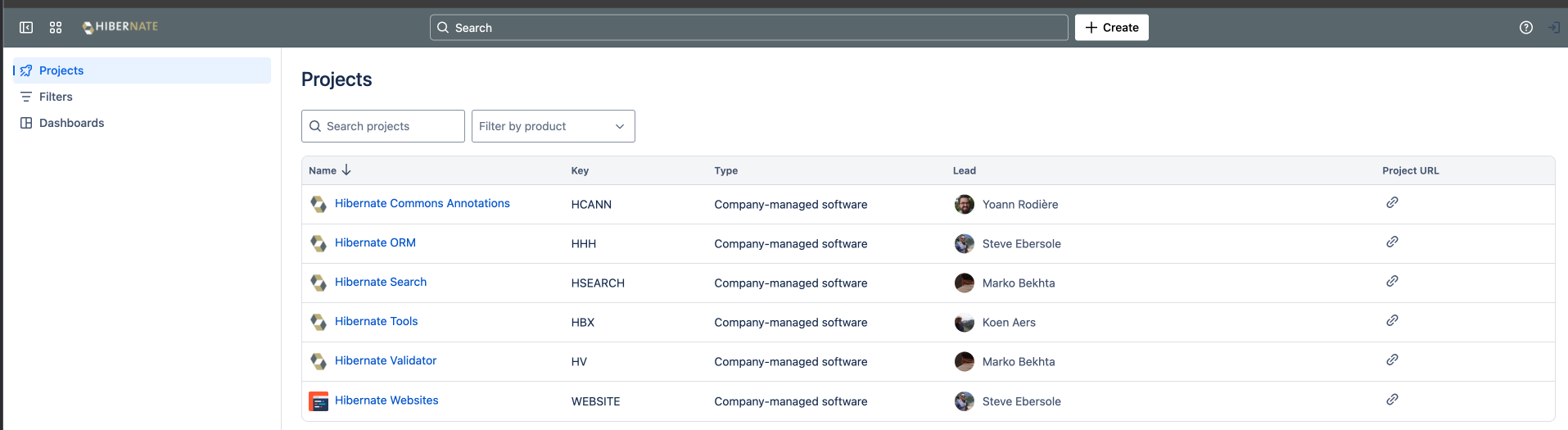
I’m unable to log into the issue tracker to file an issue. I’ve used my company account on chrome. I’ve tried creating a brand new account using my personal email address on firefox. Nothing I do seems to let me log into the issue tracker.
Every time I click the login button on the top right
When I click the top right icon, I get redirected to Log in with Atlassian account and can login/sign-up. Maybe you have some broken cookie configuration or something? Try using the incognito mode.
That’s why I even tried my personal phone (with nothing on it and everything cleared) with an absolute brand new account. It’ll let me log in and I can see other things, but it won’t actually “login” to the hibernate page. If I hit create I’ll get this
same issue for me. Tried incognito mode, multiple browsers and different machines, even with brand new browser profiles.
One thing that I could add is that if I go into a specific project, like hibernate-orm, then the login button works but trying to create a Jira will say that I’m not authorized and that I should log in (but I’m already logged in).
after opening my account settings page I received a prompt that my account was authorized on the Hibernate Jira. I clicked ok, after that the error was gone and I was able to open tickets.
@Valentin_Kovalenko are you using an enterprise atlassian account to access Hibernate’s Jira instance? Does the issue occur even with a freshly created account (not used in other orgs)?
I don’t think my Atlassian account is “enterprise”. I created it simply by signing in with my personal Google account, as I described in details here. So I would suspect it is a freshly created account, though maybe I did the same for other reasons in the past and forgot about it.
not used in other orgs
Where can I see what organizations my account is used in? I tried looking for the information about organizations, but found nothing.
I do have the same problem. Created a new account and logged in but system still says
”You are not authorised to perform this operation. Please log in.”
And additionally the small pop up with hash is displayed:
@thuri Valentin’s problem was solved but I’m not entirely sure what the cause was.
Do you still have this problem? If so, is it possible that you asked for your account to be deleted at some point, or that you let it be deleted automatically (I imagine Atlassian must comply with GDPR laws about inactive accounts) and re-created it afterwards? Atlassian indicates such a deletion may cause the issue.
Also, do you allow me to access your profile information on discourse to see your email address so that I can look for your user profile on Jira?